TVWardrobe
One launcher for your TV, many looks. Pick a style, and only that style is loaded.
All five styles in 12 seconds. The sounds are the app's own effects.
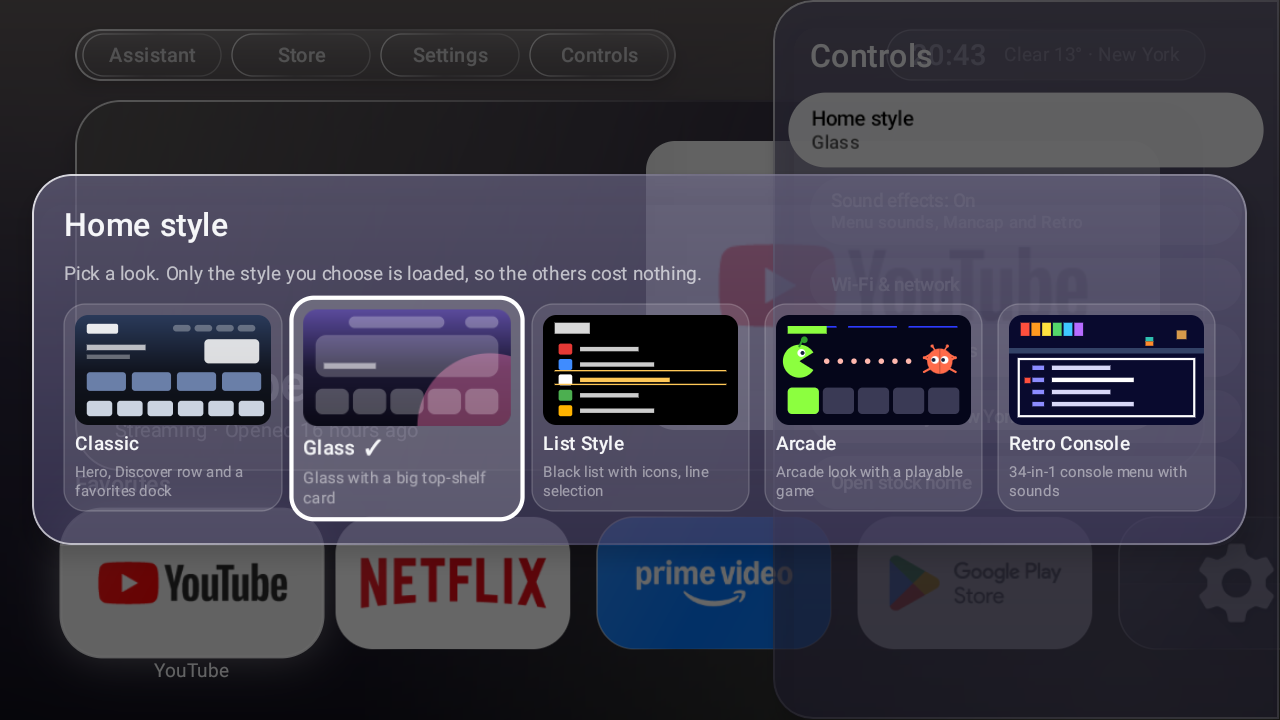
Five styles
Switch any time from Controls, with a preview of each. Your choice is remembered.
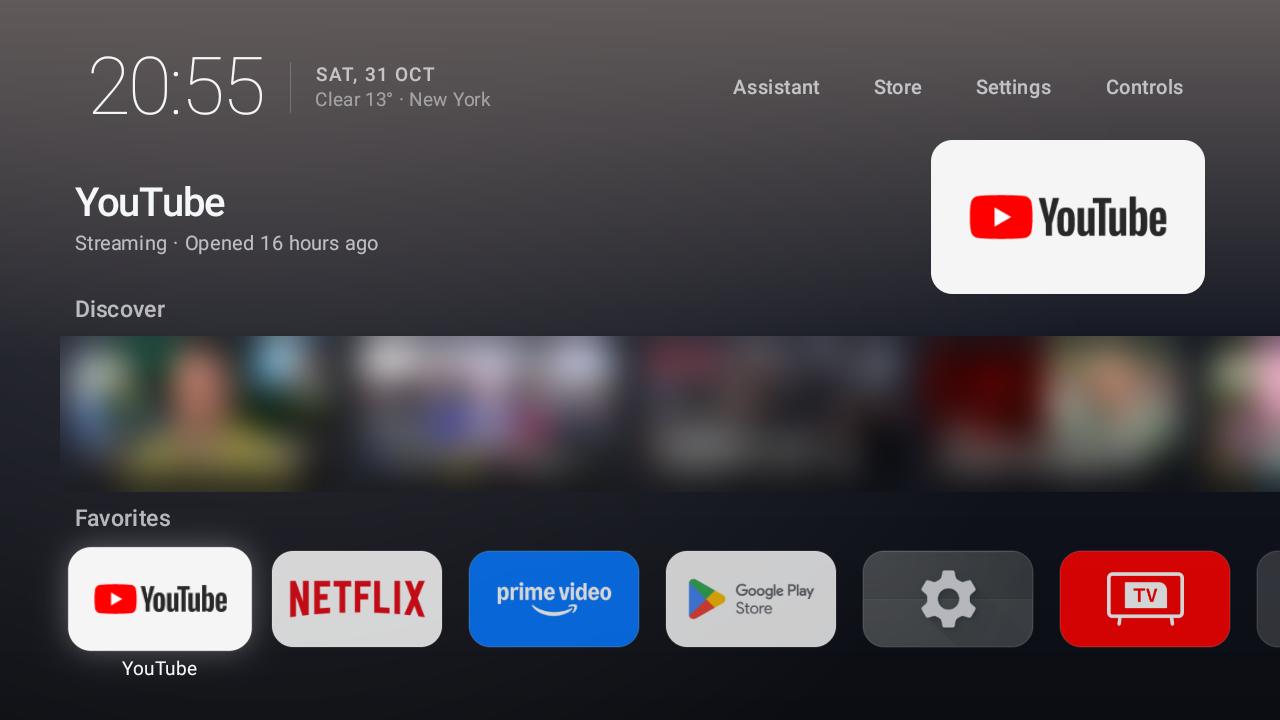
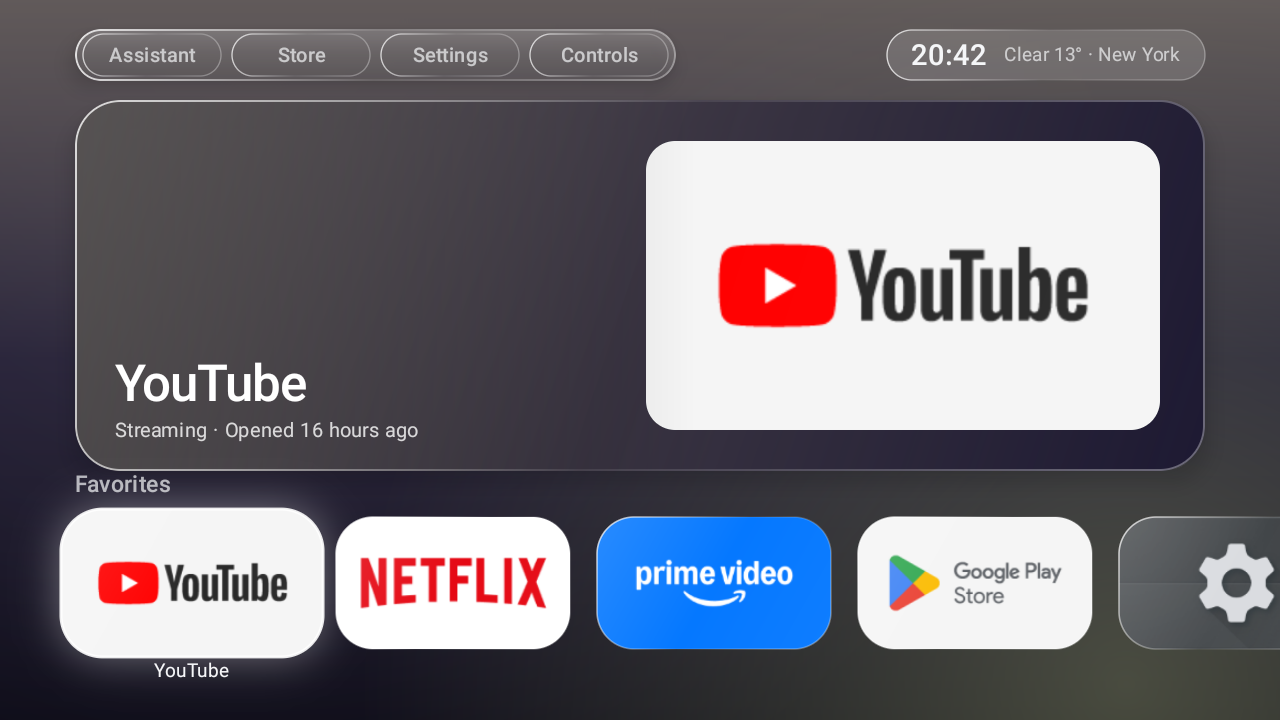
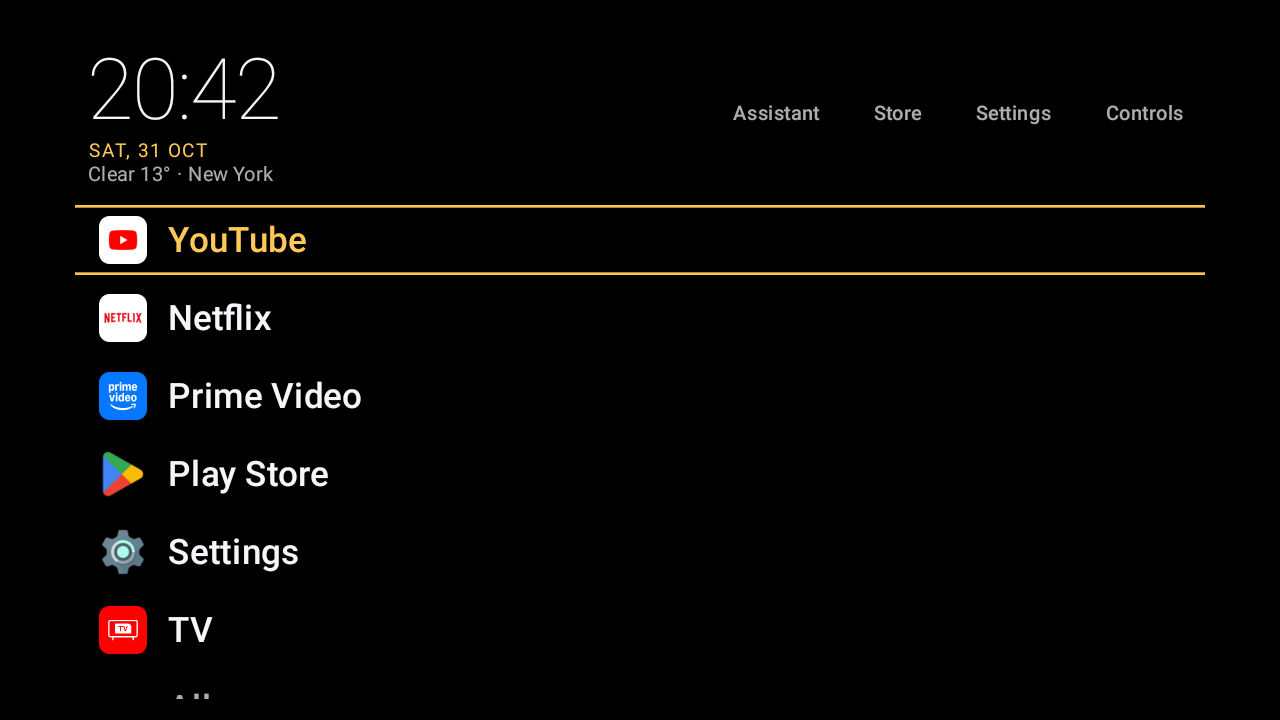
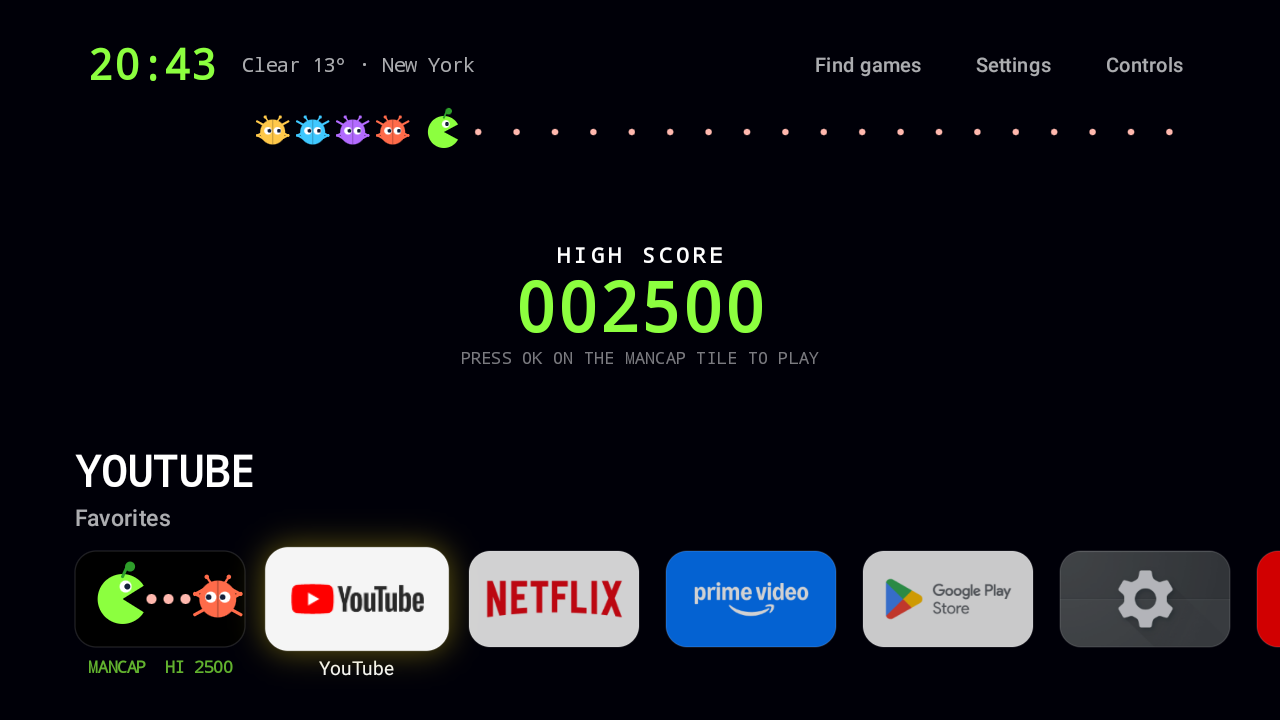
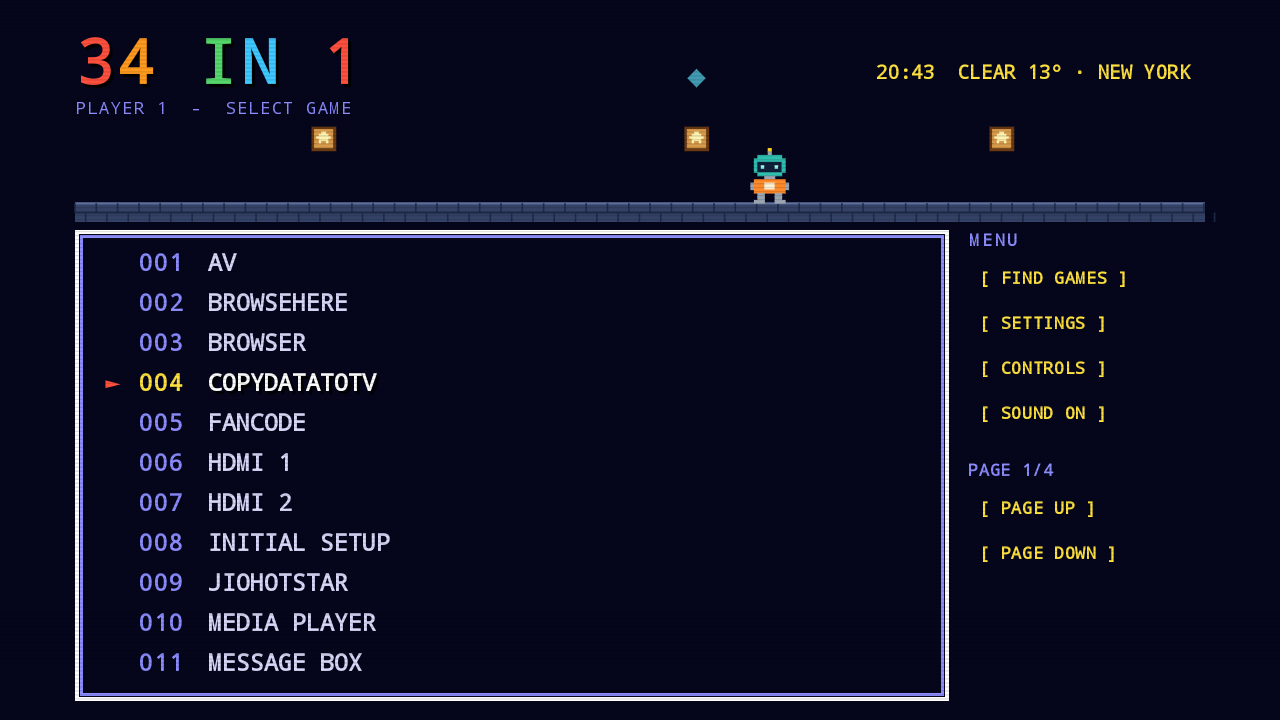
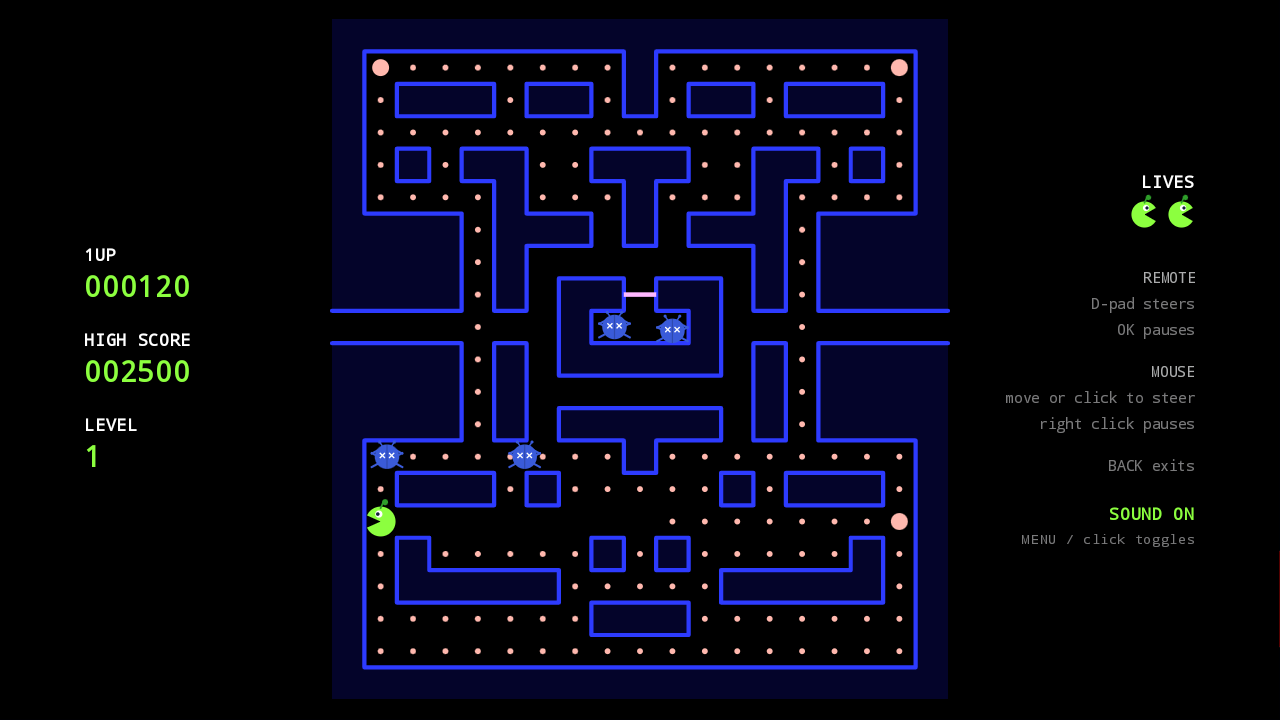
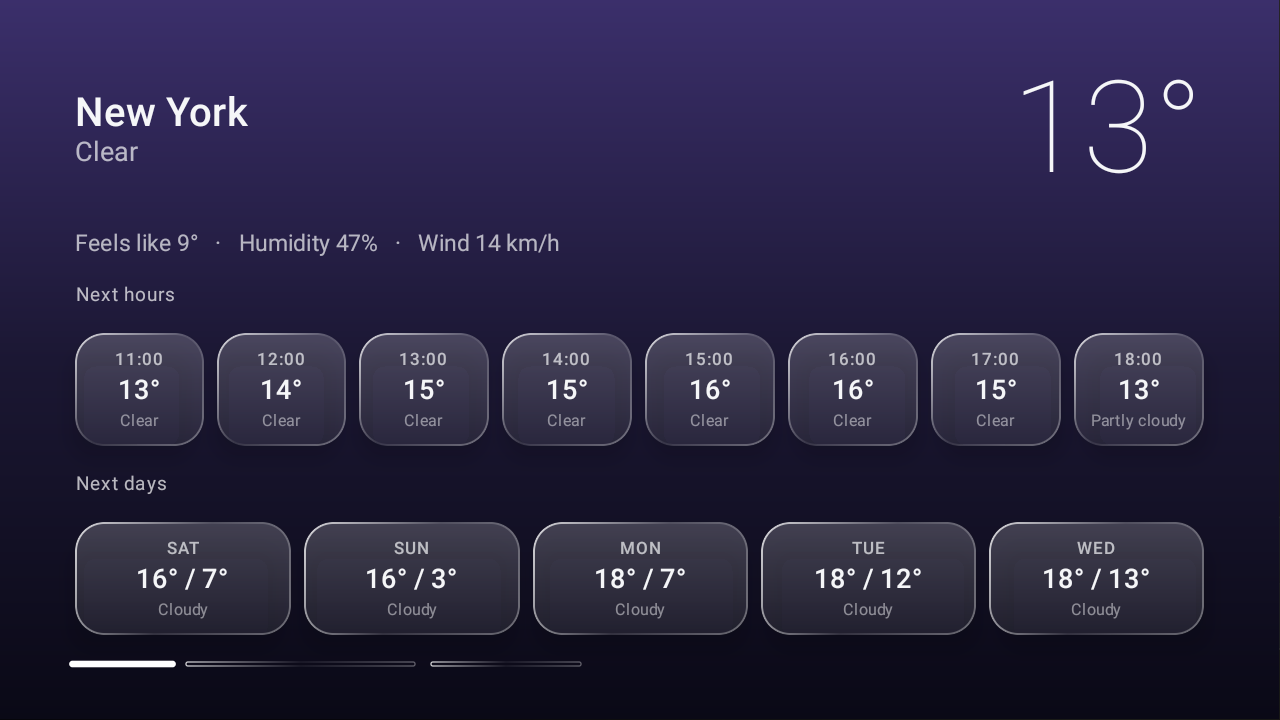
More screens
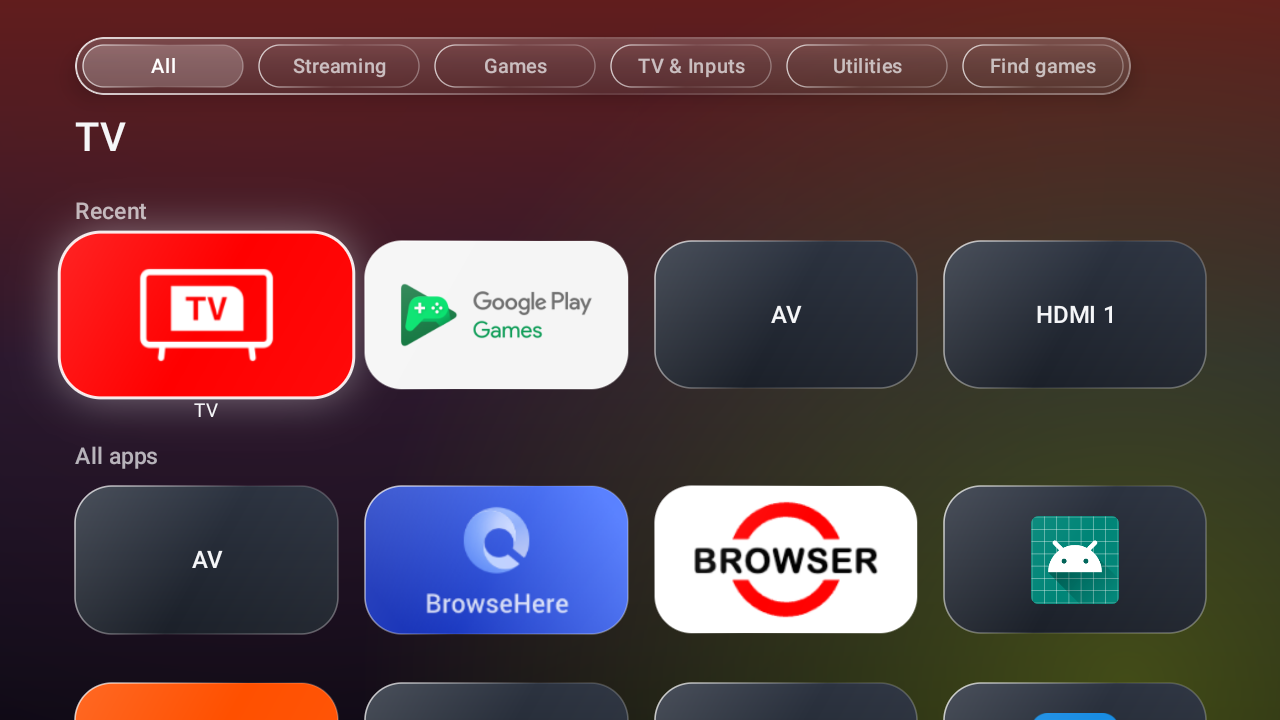
Good to know
Light
Only the chosen style is composed, and only Classic fetches Discover.
Remote or mouse
Everything works with a D-pad; hover, click and wheel work too.
Sounds
Each style has its own, synthesized in the app. One switch turns them off.
Reversible
Nothing is uninstalled. Switch back to the stock home screen any time.
Compatibility
Tested on one TCL Android TV (Android 11, 720p). Everything else is an expectation, not a promise.
| Device | Expectation |
|---|---|
| Android TV OS 9+ (TCL, Sony, Philips, Hisense, Xiaomi, Nvidia Shield, most TV boxes) | Should install and run. Becoming the Home screen may need extra steps; some stock launchers ignore the default-home setting. |
| Google TV | Installs and runs as an app. Replacing Home depends on the firmware. |
| Fire TV | Not supported. |
Install
Download the APK from the latest release (signed with the debug key, for sideloading).
- On the TV: Settings > Device Preferences > About, tap Build seven times, then enable USB or network debugging in Developer options. Note the TV's IP address.
- On a PC with Android platform-tools:
adb connect <tv-ip>:5555
adb install -r TVWardrobe-1.0.0.apk
- Open TVWardrobe from the app list. Press Home; if the TV offers a choice of Home app, pick it and choose "Always". Otherwise:
adb shell cmd package set-home-activity com.sidbh.tvlauncher/.MainActivity
No PC? Copy the APK to a USB drive and open it with a file manager on the TV. It runs as a normal app; making it the Home screen still needs adb. The README covers the stock launcher and how to switch back.